
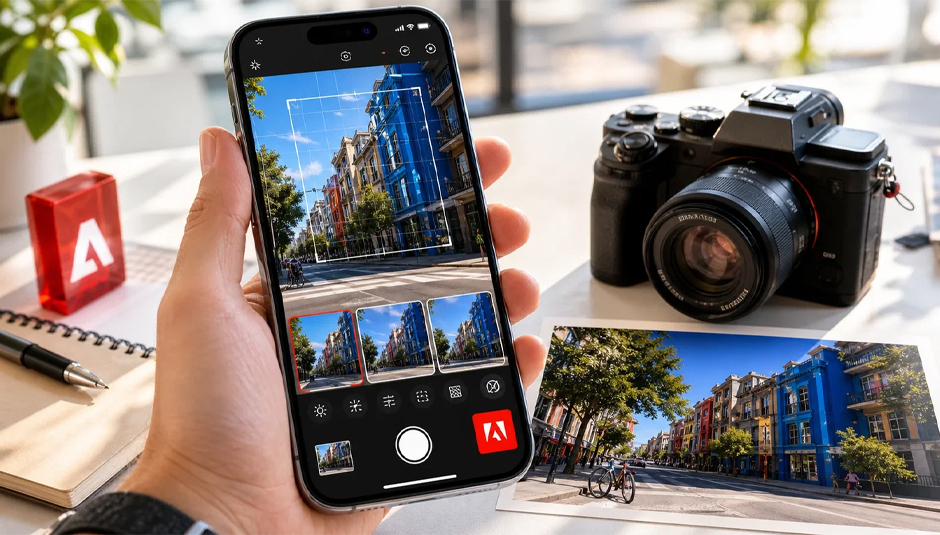
Adobe continues to experiment with the future of mobile photography, this time through Project Indigo, the experimental camera app created with the goal of bringing a more natural, “SLR-like” result to iPhone shots. With the new update, the app takes a significant step beyond shooting and moves into a more complete capture and editing environment, adding the new AI Playground.
The new feature brings AI-powered tools directly into the camera app, allowing users to edit their photos without having to navigate to a separate app. For creators, mobile photographers, and social-first productions, this points to a new direction: the camera is no longer just a shooting tool, but also a creative workspace.

From natural photography to AI-assisted editing
Project Indigo started as an app for those who wanted a more natural image from their smartphone, with less “heavy” processing and more of a traditional camera feel. With manual controls for focus, shutter speed, ISO and white balance, Indigo’s logic was closer to the photographer who wants to control the result and not just rely on the automatic processing of the phone.
With AI Playground, Adobe is adding a new level of creative editing. The image can now be retouched, cleaned of unwanted elements, analyzed by AI for feedback, or modified with more free-form instructions via prompts. This transforms Indigo from a “camera nerd” app to an experimental mobile environment where capture and generative editing meet.

Styles for creative AI looks
The first main section of AI Playground is Styles. Through preset AI-generated effects, users can change the aesthetics of a photo, make it look like an illustration, modify the lighting or give it a more unique creative look.
This feature is of interest to creators who want to quickly create alternative aesthetic versions of an image without having to manually edit from scratch. For social media, moodboards, concept visuals, or quick creative tests, Styles can act as an instant tool for exploring different directions.
Object Editing to remove elements from the photo
The second section is Object Editing, which allows you to remove people, objects, or other distractions from the background of an image. After removal, AI fills in the gaps, creating a cleaner result.

In practice, this is one of the most useful tools for everyday photography. An unwanted object, a passerby in the background, or a distracting element can be quickly removed, without the need for more complex retouching. For mobile creators, this feature can significantly reduce the time it takes to get an image ready for use.
Photo Guidance: AI feedback for better shots
Photo Guidance is perhaps the most interesting feature from an educational perspective. Instead of just editing, the AI analyzes the photo and makes suggestions on how it could be improved. This could be regarding composition, lighting, framing, or possible changes to the shot.
For new photographers, creators, or users looking to improve their eye, this feature can act as a little “photo coach” within the app. It doesn’t replace the creator’s personal aesthetic, but it can help you understand why an image works or why it could be better.
AI transparency and responsible use
Introducing generative AI into a photography app naturally opens up the conversation around transparency. When an image can be significantly altered by AI tools, it becomes more important to have a clear indication of what has been created or modified. Adobe is already moving in this direction with technologies like Content Credentials in other tools, and the same issue becomes particularly important for Indigo.
For professionals, brands, and creators, responsible use of such tools is critical. AI can help create cleaner, more impressive, or faster visuals, but how an image is presented remains the responsibility of the creator.
Our other articles about Adobe
Learn more at www.adobe.com.
Η Comart it is Adobe Gold Reseller in the categories Commercial, Education & Government